Bouquet
A native S3 client for the Mac.
Browse buckets the way you browse folders. Move, search, share, edit, sync, and configure S3 from one window, so the AWS Console and the command line can stay closed.
Coming to the Mac App Store

A native S3 client for the Mac.
Browse buckets the way you browse folders. Move, search, share, edit, sync, and configure S3 from one window, so the AWS Console and the command line can stay closed.
Coming to the Mac App Store
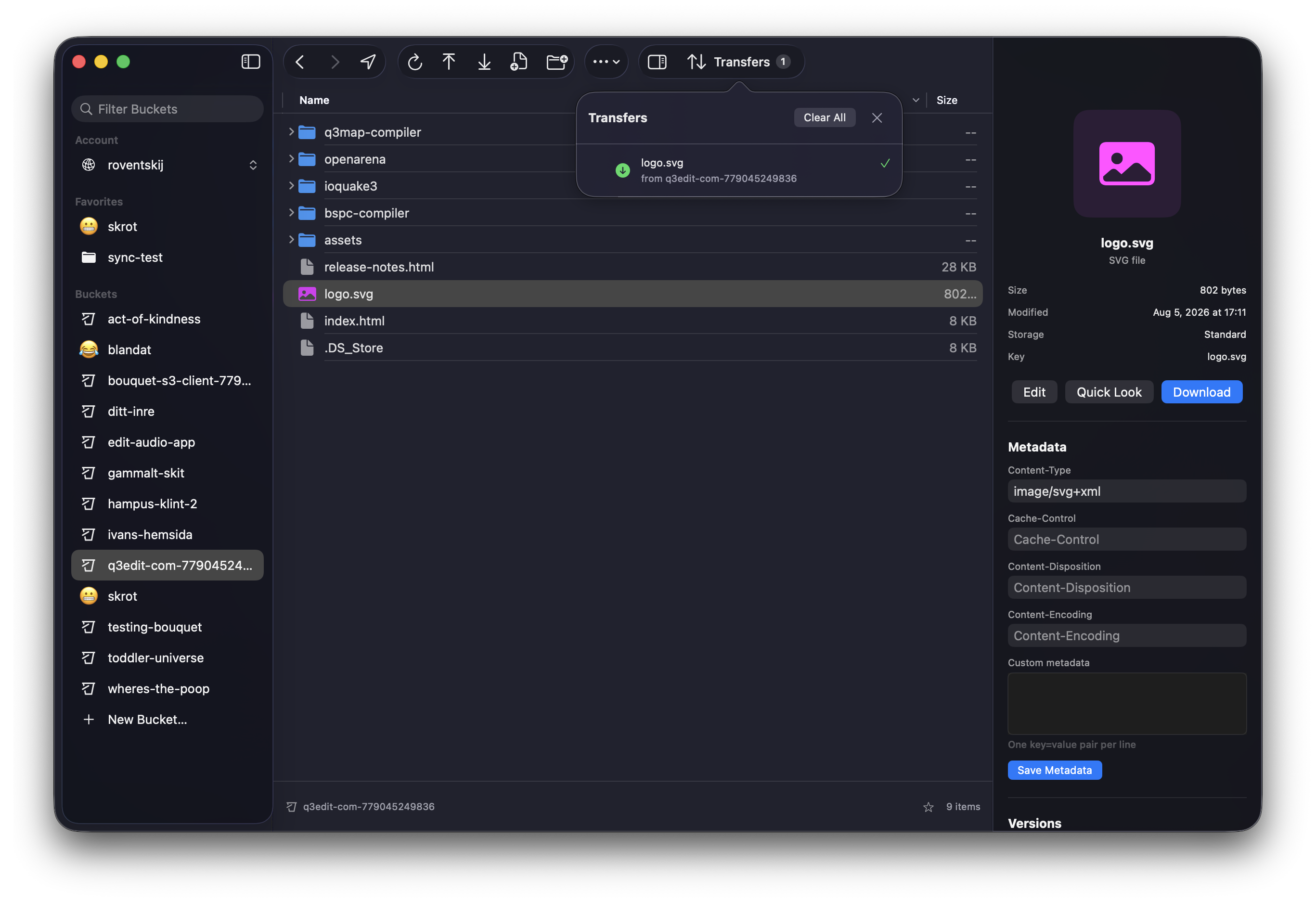
Most file-transfer apps speak every protocol and know each one a little. Bouquet speaks S3 only, so it can go all the way down.
Credentials come from your existing ~/.aws profiles, SSO included, or are stored in macOS Keychain when you add a connection in the app. Every request is signed in the app and sent straight to the service. There is no server in between.
| Service | Endpoint |
|---|---|
| Amazon S3 | Any region, any profile |
| Fastly Object Storage | https://<region>.object.fastlystorage.app |
| Cloudflare R2 | https://<account-id>.r2.cloudflarestorage.com |
| MinIO | http://localhost:9000 |
| Backblaze B2 | https://s3.<region>.backblazeb2.com |
| DigitalOcean Spaces | https://<region>.digitaloceanspaces.com |
Anything else that speaks the S3 API works too. Add a connection with its endpoint, region, and keys.
A hook runs after objects in a bucket or folder change. A shell hook gets every changed key on standard input, one per line, with the connection's credentials in the environment. This one purges the changed paths from CloudFront:
sed 's#^#/#' | xargs aws cloudfront create-invalidation \
  --distribution-id E123ABC --paths
HTTP hooks cover webhooks and CDN purges with no shell at all, and CloudFront invalidation is built in as its own kind. Hooks never block or roll back the S3 operation.